
ScreenVexa · Version 1.6.15
Capture, edit and keep your work private.
Record screens, tabs and windows with audio and webcam, capture full-page screenshots, and edit recordings locally in Video Studio. No signup, no watermark and no forced upload.
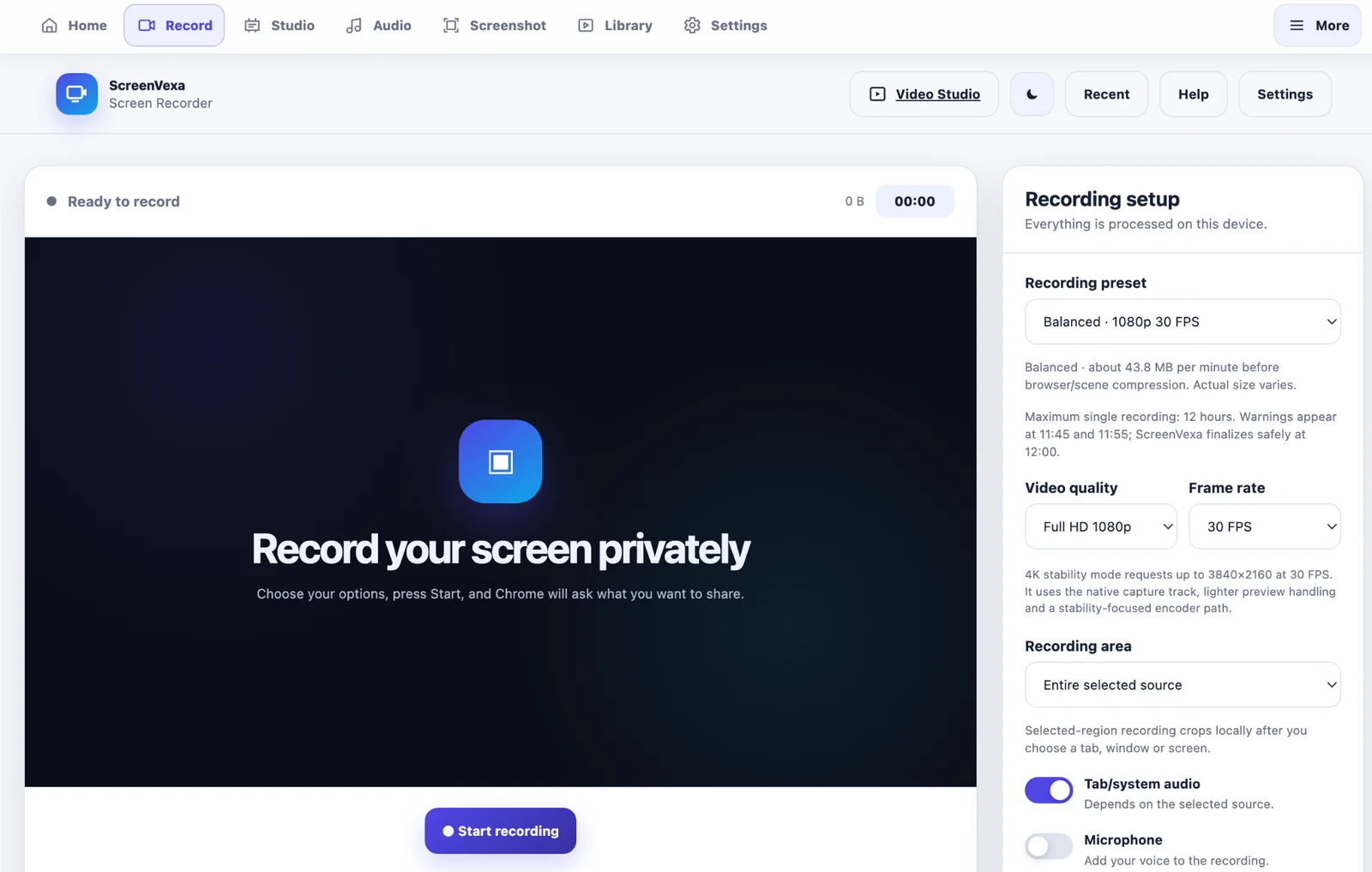
One workspace for capture and editing
ScreenVexa combines the everyday recording tools people usually open in separate apps.
Screen Recorder
Record a tab, window or screen with optional system/tab audio, microphone and webcam.
Video Studio
Cut unwanted sections, split, trim, duplicate and arrange clips, images and title cards.
Screenshot Center
Capture visible page, full page or a selected area, then annotate and save locally.
Audio Recorder
Record microphone audio, browser-tab audio or both with live input controls.
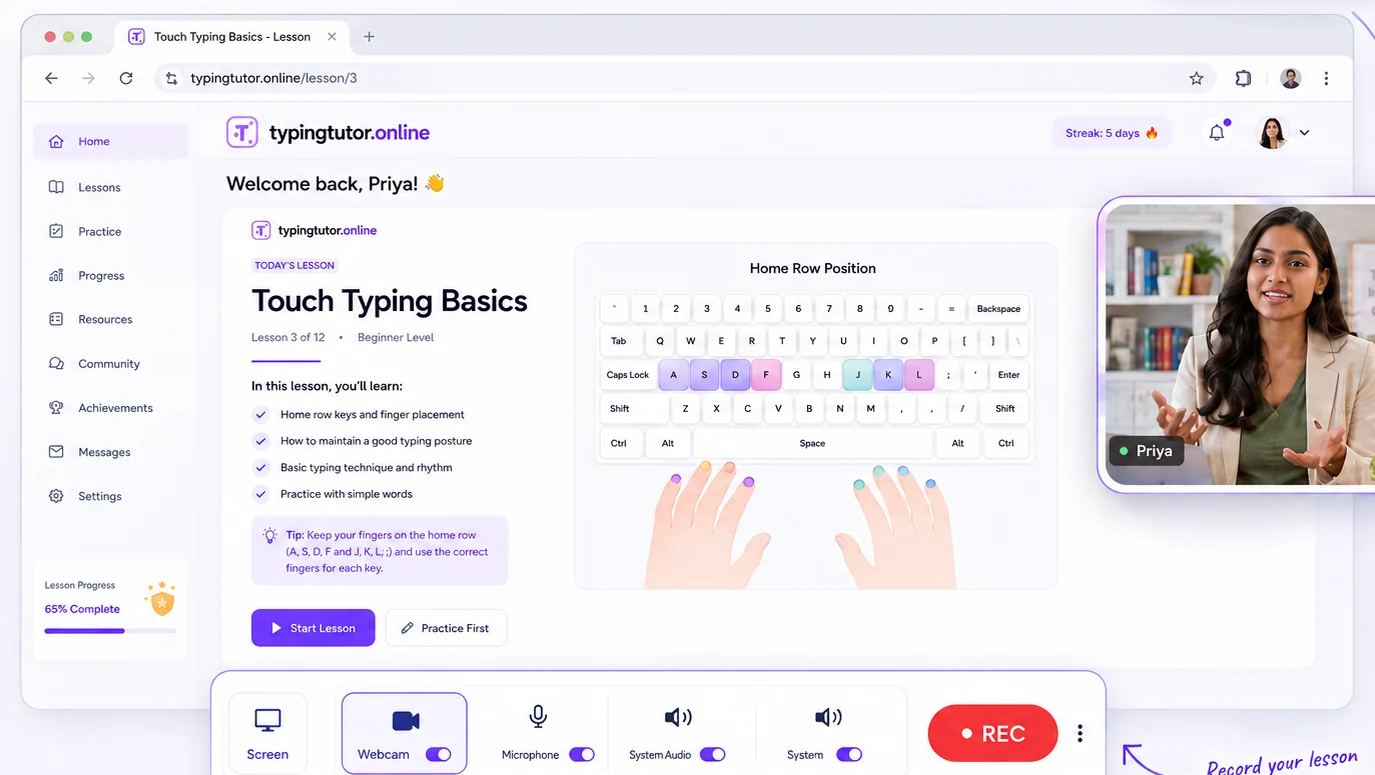
Webcam & presentation
Move from screen to camera without stopping.
Use a webcam overlay while recording, switch the camera to full-screen with a smooth transition, then minimize it back to its previous position. ScreenVexa also supports selectable external USB and virtual cameras when Chrome exposes them.
- Camera selector with refresh and hot-plug updates
- Full-screen camera and minimize-back workflow
- Mirror, position, shape and size controls
- Floating controls can open automatically after source selection
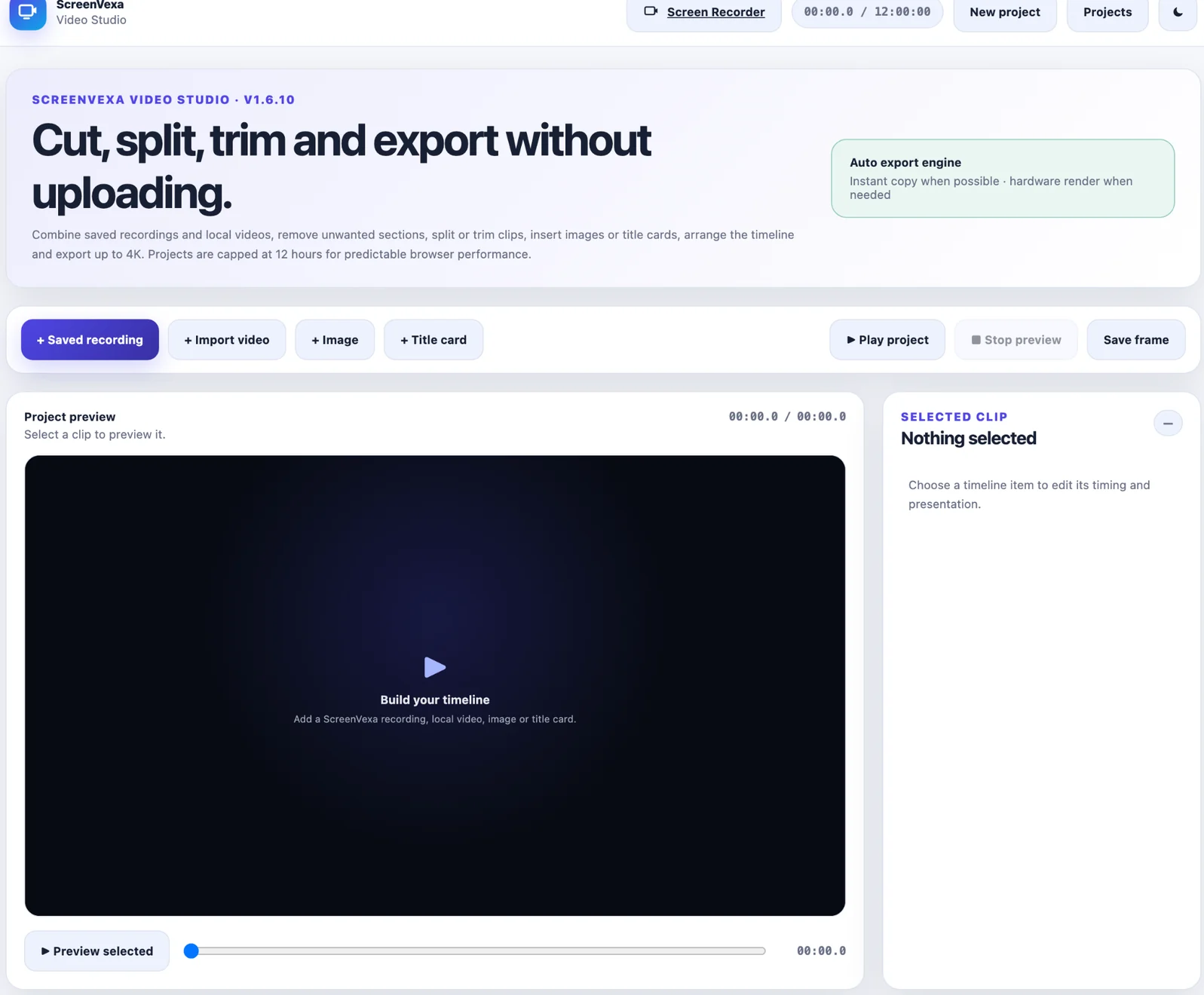
Video Studio
Remove the bad part. Keep the rest.
Trim the beginning or end, split at the playhead, or remove a middle range such as 10:00–12:00 while keeping the sections before and after it.
- Cut / Remove Section for unwanted middle ranges
- Split, trim, duplicate and reorder clips
- Add images and title cards
- Export MP4/WebM where supported and create GIFs
- Up to 4K output and projects up to 12 hours