
Local Video Studio
Cut, split, trim and export locally.
Turn recordings and local videos into a simple timeline project without uploading your media to ScreenVexa.
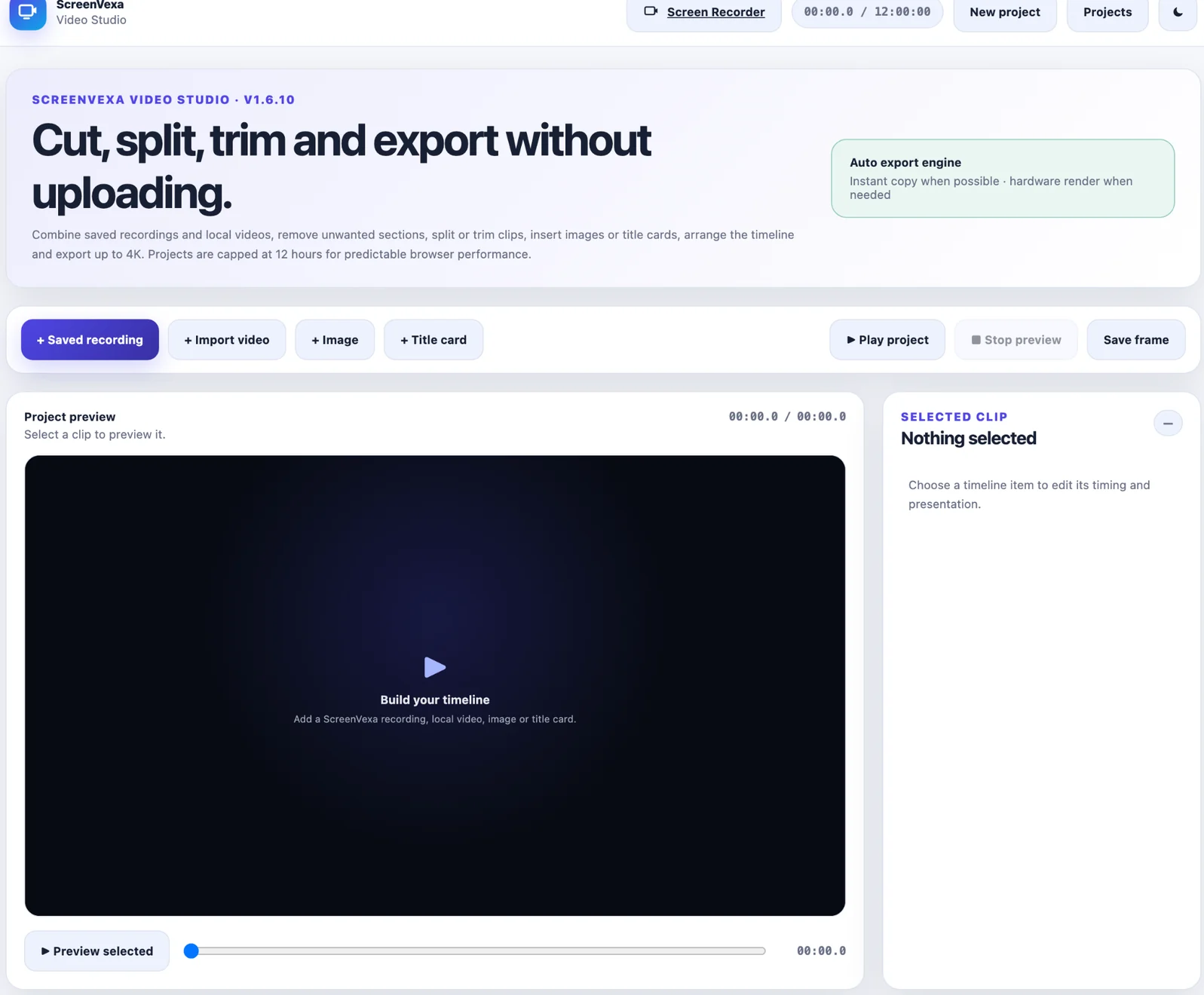
Use the right edit for the job
- Trim: shorten the beginning or end of a clip.
- Split: divide a clip at the playhead.
- Cut / Remove Section: remove a middle range such as 10:00–12:00 and keep both remaining sides.
- Delete: remove the entire selected clip.
Original source recordings remain unchanged; Video Studio edits the project timeline.
Timeline and export features
+
Build a project
Add saved recordings, local videos, images and title cards. Empty projects are not intentionally saved.
⇄
Duplicate & arrange
Duplicate clips, change their order and keep a reusable timeline for longer projects.
4K
Local export
Export with unique filenames by default, choose supported formats and resolutions up to 4K, and keep the source untouched.