
Screen Recorder
Record your screen without leaving your workflow.
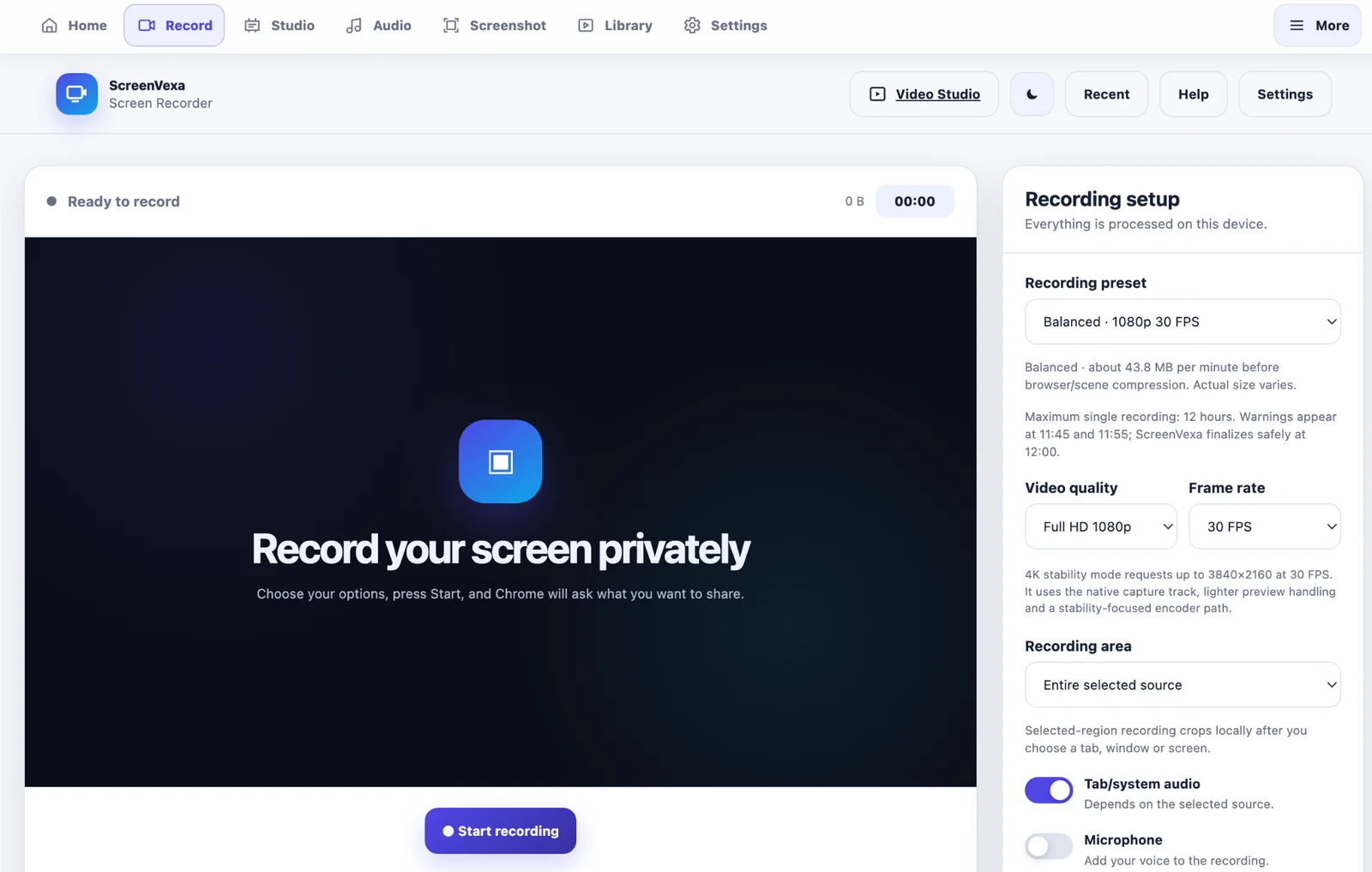
Choose a tab, window or screen, then start recording with optional audio, microphone, webcam and presentation tools.
Fast start, fewer interruptions
After Chrome's source picker, ScreenVexa begins the recording flow directly. If automatic floating controls are enabled, the controller opens alongside the recording without a second confirmation modal.
- 720p, 1080p, original and 4K recording modes
- Tab/system audio and microphone controls
- Webcam overlay with external camera selection
- 12-hour maximum single recording with warnings
- Saved local recording library
Recording modes
▣
Entire selected source
Record the complete tab, window or display selected in Chrome's sharing picker.
⌗
Selected region
Choose a source first, then crop the recording to the region you need.
4K
4K stability mode
Requests up to 3840×2160 at 30 FPS and uses the native display track when possible.