
Webcam Recording
Show your camera when the moment needs it.
Keep your webcam as an overlay during a tutorial or presentation, expand it to full screen, and return it to the same overlay position without stopping the recording.
Built-in and external cameras
ScreenVexa refreshes the camera list after permission is granted and listens for device changes, helping Chrome expose USB webcams, capture devices and virtual cameras when available.
- Choose a camera from the available device list
- Refresh cameras after connecting a new device
- Remember the selected camera when possible
- Clear recovery guidance if a camera is disconnected or already in use
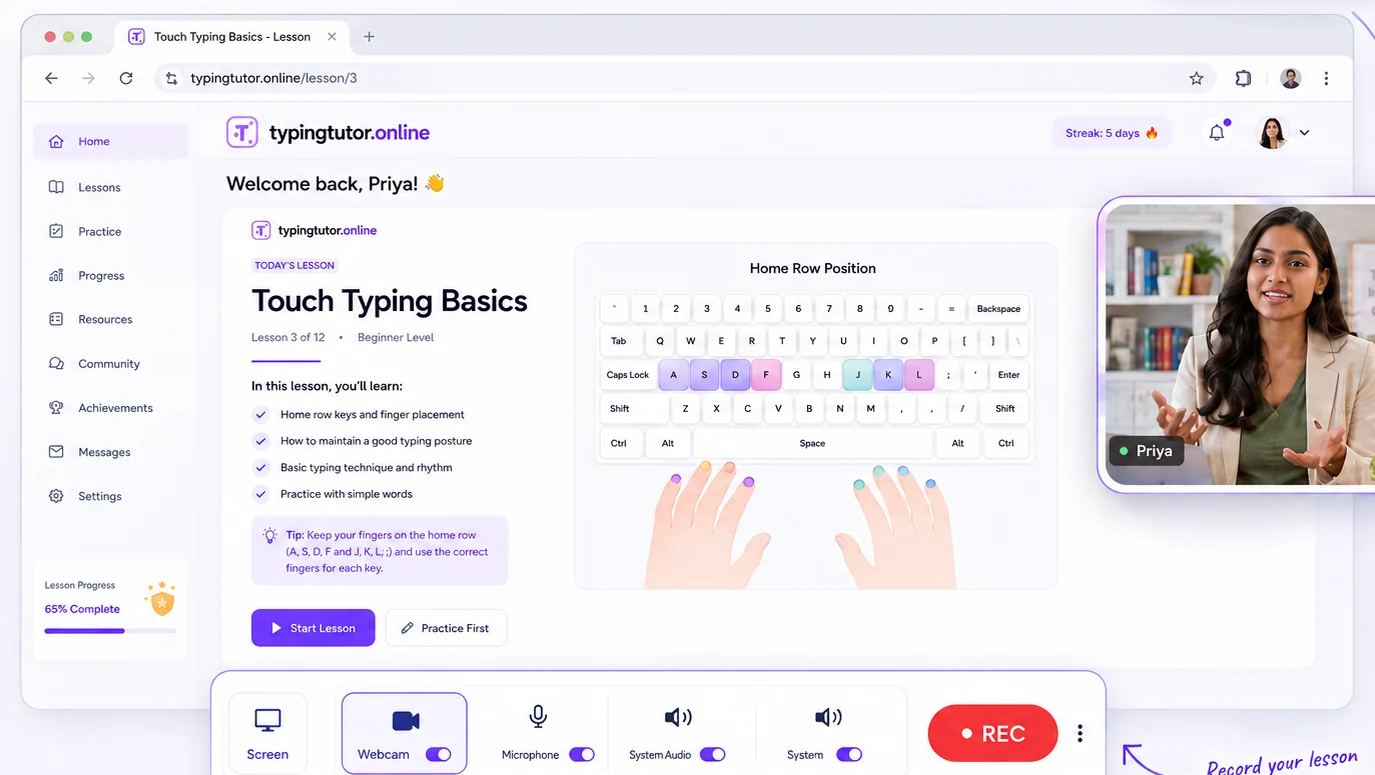
Full-screen camera transition
During an active recording, switch the webcam from overlay to full screen with a smooth transition. Minimize it again and ScreenVexa returns it to the previous overlay size and position.
Full-screen camera
Bring the speaker or presenter to the foreground without ending the recording.
Minimize back
Return to the previous webcam overlay state instead of manually rebuilding the layout.
Floating controls
Use the always-on-top controller to access webcam actions while working in the shared source.